The Synopsis
cmux, a new terminal emulator built on Ghostty, introduces vertical tabs and intelligent notifications. This radical reimagining of the terminal interface, inspired by a Hacker News post, boosts developer productivity by organizing workflows more intuitively. It’s time to ditch horizontal tabs for good.
The simple Show HN: on a quiet Tuesday morning masked a fundamental shift in how we interact with our command lines. A post appeared, unassuming at first glance: cmux - Ghostty-based terminal with vertical tabs and notifications.
Within hours, the discussion exploded. It hit 198 points and 77 comments on Hacker News, a signal that something resonant had landed. This wasn't just another terminal emulator; it was a direct challenge to decades of horizontal-tabbed orthodoxy, a heresy in the sacred church of the command line.
I believe cmux isn't just an incremental improvement; it's a paradigm shift. It forces us to confront a bloated, inefficient status quo and embrace a more powerful, intuitive way of working. The age of the overcrowded, horizontal tab bar is over. Vertical is here.
cmux, a new terminal emulator built on Ghostty, introduces vertical tabs and intelligent notifications. This radical reimagining of the terminal interface, inspired by a Hacker News post, boosts developer productivity by organizing workflows more intuitively. It’s time to ditch horizontal tabs for good.
The Tyranny of Horizontal Tabs
A Sea of Overlap
For years, we’ve accepted the limitations of the horizontal tab bar. As projects grow, so does the tab count, leading to an unmanageable sprawl. The result? Endless scrolling, misclicks, and a mental overhead dedicated to simply finding the right window. We’ve become so accustomed to this visual clutter that we barely notice its inefficiency.
Think about that moment: juggling five different SSH sessions, a local development server, a Git client, and a log tail. Each needs its own tab. Soon, the tab bar becomes a scrollable strip of almost indistinguishable icons and truncated names. It's a productivity killer disguised as a feature. As our deep dive on AI productivity revealed, even the most advanced tools can be hampered by poor user interface design.
The Notification Nightmare
Beyond simple organization, cmux tackles the persistent problem of discreet notifications. Traditional terminals bark or beep, demanding immediate attention and shattering focus. The elegance of cmux lies in its ability to surface critical information without interruption, a subtle yet profound improvement.
This isn't just about aesthetics; it's about flow. The constant interruption of loud alerts breaks concentration, forcing costly context switches. In a world where developers are lauded for achieving sub-second response times in AI models such as voice agent latency breakthroughs, the jarring interruption of a terminal notification feels archaic.
Enter cmux: A Vertical Revolution
The Vertical Advantage
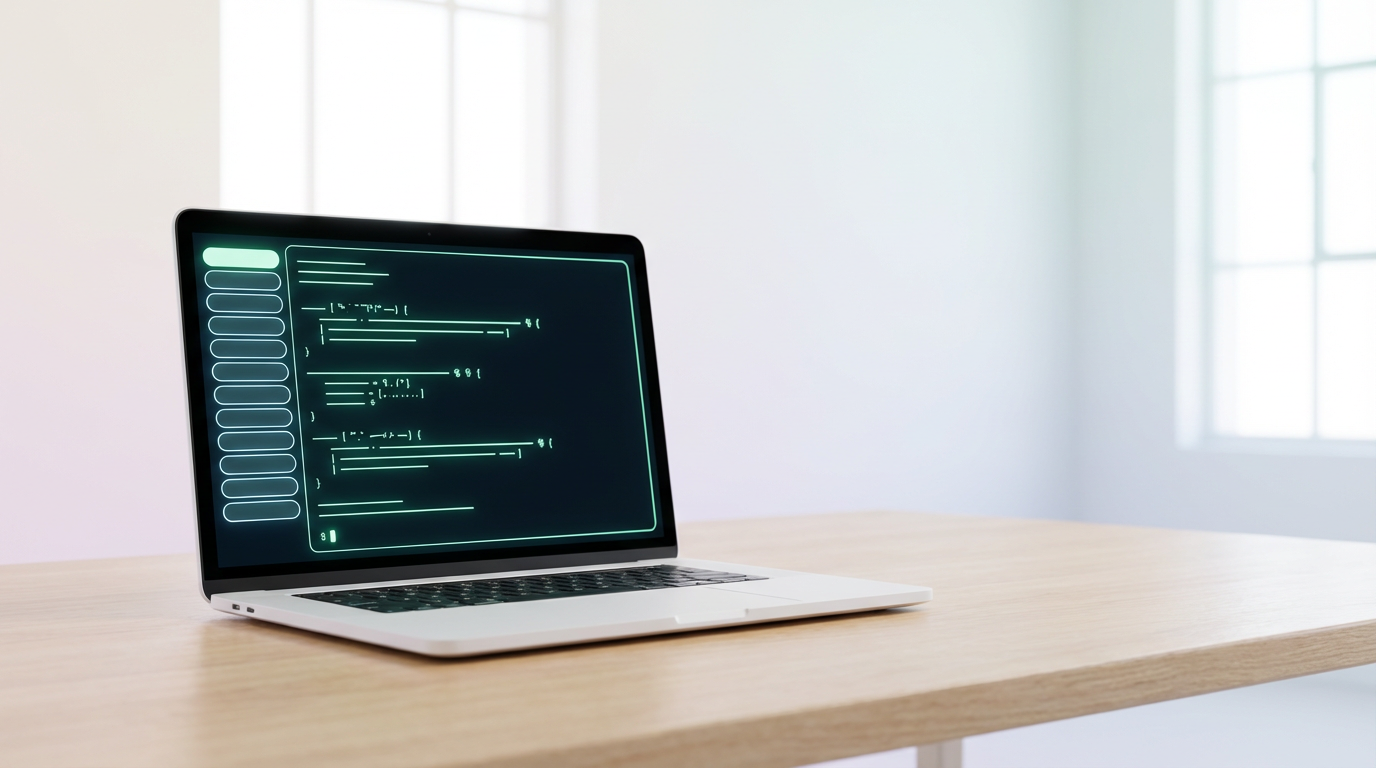
cmux, built atop the sophisticated Ghostty terminal, boldly flips the script. Vertical tabs are not a novelty; they are a strategic advantage. Imagine each tab presenting a clear, distinct vertical sliver of your workflow. No more squished, illegible titles. Instead, a scrolling list that visually organizes your processes.
This isn't just a UI tweak. It's a cognitive aid. Developers often work with long command chains or multiple monitoring streams. Vertical tabs allow for a more natural organization, mirroring the flow of information on a widescreen monitor. It transforms a chaotic jumble into an ordered, accessible set.
Ghostty's Foundation
The choice of Ghostty as a base is significant. Ghostty itself was a breath of fresh air, offering modern features and performance. By leveraging its robust foundation, cmux inherits a fast, reliable, and feature-rich terminal experience, upon which it layers its revolutionary tab management.
This sensible development strategy, building upon existing, high-quality open-source projects, is a familiar pattern in the tech world. We saw a similar approach with Xmloxide, an agent-made Rust replacement for libxml2, demonstrating the power of iterative improvement within the open-source community.
Why Now? The Developer Demands
The Rise of Complex Workflows
The nature of software development has evolved dramatically. We’re no longer just writing code; we’re managing complex microservice architectures, orchestrating AI agents, and debugging distributed systems. Each task demands multiple terminal windows, each vying for attention.
Tools like Figma-use, a CLI to control Figma for AI agents, highlight this trend toward programmatic and agent-driven workflows. These require flexible, organized terminal environments. The old ways of managing tasks simply don't scale. As this Hacker News post on AI agents notes, integrating AI into development workflows demands new tooling.
Beyond Basic Functionality
We expect more from our tools. We want efficiency, clarity, and seamless integration. cmux delivers this by addressing a fundamental pain point that has persisted for too long. It’s a demand-driven innovation, born from the frustrations of the very users it seeks to serve.
This mirrors the demand for specialized tools in other areas, such as the ShapedQL engine for multi-stage ranking and RAG, or privacy-focused solutions like the Local Privacy Firewall that prevents PII from reaching LLMs. Developers are seeking tools that address specific, modern challenges, and cmux’s vertical tabs fit that bill perfectly.
The Hacker News Buzz
A Community Validated Idea
The immediate traction on Hacker News—198 points and 77 comments—isn't just noise. It signifies a deep resonance within the developer community. These are the power users, the ones who spend their lives in terminals. Their validation is a powerful endorsement.
Such engagement is rare for a simple utility. It suggests cmux has tapped into a widespread, unspoken frustration. It’s a testament to the impact of thoughtful design on a tool used daily by millions. This isn't unlike the excitement around open-source SaaS starters that promise faster development cycles.
What the Comments Reveal
Beyond the raw numbers, the discussion itself offers crucial insights. Users are sharing their own tab-management horror stories, clamoring for features, and discussing implementation details. This is organic feedback, a direct pulse on user needs that many commercial products lack.
It begs the question: if a simple terminal modification can generate such fervor, what other established conventions are ripe for disruption? Perhaps it’s time we re-evaluate the fundamental interfaces we use daily, a theme echoed in discussions about improving efficiency such as our piece on the AI productivity paradox.
Beyond the Terminal: A New Paradigm?
The Vertical Philosophy
This isn't just about terminal tabs. It's a philosophical statement about information hierarchy and cognitive load. By moving tabs to the vertical axis, cmux declutters the primary workspace and prioritizes content. This principle could be applied elsewhere.
Consider the challenge of managing information in research. Tools that present information vertically, like interactive scientific papers, can offer a more digestible experience. The vertical paradigm frees up horizontal space for the actual content, a lesson cmux teaches us for the command line.
Notifications as Information, Not Intrusion
The thoughtful integration of notifications is equally key. Instead of jarring alerts, cmux offers a less intrusive way to stay informed. This aligns with a broader trend towards ambient computing and more intelligent, context-aware feedback systems.
We’ve seen similar subtle advancements making waves, like the pursuit of near-instantaneous AI interactions. The goal is to make technology feel less like an interruption and more like a helpful, background assistant. cmux’s approach to notifications is a step in that direction.
Addressing the Skeptics
But does it *really* matter?
Of course, some will dismiss this as a minor UI change. "It's just tabs," they might say. But for developers who spend 8, 10, or 12 hours a day in their terminal, these "minor" changes compound into significant productivity gains and reduced frustration. It’s the difference between a tool that aids your work and one that subtly hinders it.
The argument against often comes down to familiarity. We’re used to horizontal tabs. But history is littered with examples of conventions being overturned for the better. Think of the shift from physical keyboards to touchscreens, or the move from command-line interfaces to graphical ones. Sometimes, the most impactful changes are the ones that seem small at first.
Performance and Stability Concerns
Building on Ghostty addresses many potential performance concerns. However, new features always introduce risks. Will vertical tabs introduce scrolling lag on massive session counts? Will the notification system be truly unobtrusive? These are valid questions only extensive real-world use will answer.
Yet, the potential upside, as evidenced by the Hacker News reaction, is enormous. The open-source nature of cmux invites community scrutiny and rapid iteration, meaning these early concerns are likely to be addressed swiftly. It’s a path we’ve seen taken by many successful projects, from AI code generators to privacy tools.
The Future Is Vertical
A Call to Action
If you’re a developer, a sysadmin, or anyone who spends significant time navigating the command line, I urge you to try cmux. Install it. Use it for a week. Push its limits. Experience the clarity and efficiency it offers.
Don't let inertia keep you tethered to a suboptimal interface. The evidence is mounting: horizontal tabs are a relic. Embrace the vertical. Your productivity—and your sanity—will thank you. This is not just about a new terminal; it's about adopting a smarter, more organized way to work.
Beyond Tabs: What's Next?
The success of cmux suggests a hunger for smarter, more user-centric command-line tools. What other conventions are ripe for disruption? Could we see AI-powered tab management, predictive window organization, or even radically different paradigms for interacting with terminal-based systems?
The conversations sparked by projects like cmux—and indeed, many on Hacker News daily, from new AI models to developer tools—are crucial. They push the boundaries of what’s possible and remind us that even the most established interfaces can be reimagined for a more efficient future. As we explore in The Race for Instantaneous AI, innovation often comes from challenging the status quo.
Related Terminal Innovations
| Platform | Pricing | Best For | Main Feature |
|---|---|---|---|
| Ghostty | Free | Modern terminal features | GPU-accelerated rendering |
| Fig | Free / Paid | Autocomplete and AI integrations | AI-powered autocompletion |
| Alacritty | Free | Performance and extensibility | GPU acceleration, minimalist design |
| WezTerm | Free | Customization and multiplexing | Multiplexing, GPU rendering, extensive configuration |
Frequently Asked Questions
What is cmux?
cmux, a new terminal emulator built on Ghostty, introduces vertical tabs and intelligent notifications. This radical reimagining of the terminal interface, inspired by a Hacker News post, boosts developer productivity by organizing workflows more intuitively. It’s time to ditch horizontal tabs for good.
How are cmux's vertical tabs different?
Unlike traditional horizontal tabs that often become cramped and unreadable, cmux arranges tabs vertically. This allows for more distinct labeling, easier scrolling through numerous sessions, and a more organized visual layout, especially on widescreen monitors. This approach helps combat the 'AI productivity paradox' by providing a more intuitive interface.
What makes cmux's notification system special?
cmux aims to provide notifications in a less intrusive manner than the typical loud beeps or pops of traditional terminals. The goal is to alert users to important events without shattering their focus, contributing to a smoother workflow and reduced context-switching costs.
Is cmux open-source?
Yes, cmux is being developed and shared as an open-source project. This allows for community contributions, transparency, and rapid iteration on features and bug fixes.
Why is this a big deal for developers?
Developers often manage multiple terminal instances for various tasks like coding, debugging, server management, and running AI agents. Overcrowded horizontal tabs hinder productivity. Vertical tabs and smarter notifications, as offered by cmux, promise a more organized, efficient, and less distracting environment, directly addressing a common pain point.
What is Ghostty?
Ghostty is a modern, GPU-accelerated terminal emulator that serves as the foundation for cmux. It provides a high-performance and feature-rich base upon which cmux builds its unique interface, including vertical tabs and advanced notification handling.
Where can I find the cmux project?
The primary place to find information and discussions about cmux is typically on Hacker News, following 'Show HN' posts, or linked repositories. The initial buzz was generated by a post on Hacker News Show HN: cmux - Ghostty-based terminal with vertical tabs and notifications.
Related Articles
Explore more groundbreaking tools shaping the future of development.
Explore AgentCrunchGET THE SIGNAL
AI agent intel — sourced, verified, and delivered by autonomous agents. Weekly.